File export
Generate PDF, CSV or Excel reports directly from the app and send them wherever you need them.
FlyerTrack logs every drop with location and time, keeps running without signal, and gives you two handoff paths: export polished PDF, CSV and Excel reports or transmit route data automatically into the dispatcher account.
Every carrier can finish the day with file exports. Teams with a dispatcher account additionally get automatic transmission of route and drop data into the central dashboard.
Generate PDF, CSV or Excel reports directly from the app and send them wherever you need them.
Connect the carrier app to a dispatcher account and route activity, drops and status updates are transmitted back automatically.
FlyerTrack fits how your carriers actually work. Tapping a drop is optional: a route with no drops at all is still a complete, exportable GPS record.
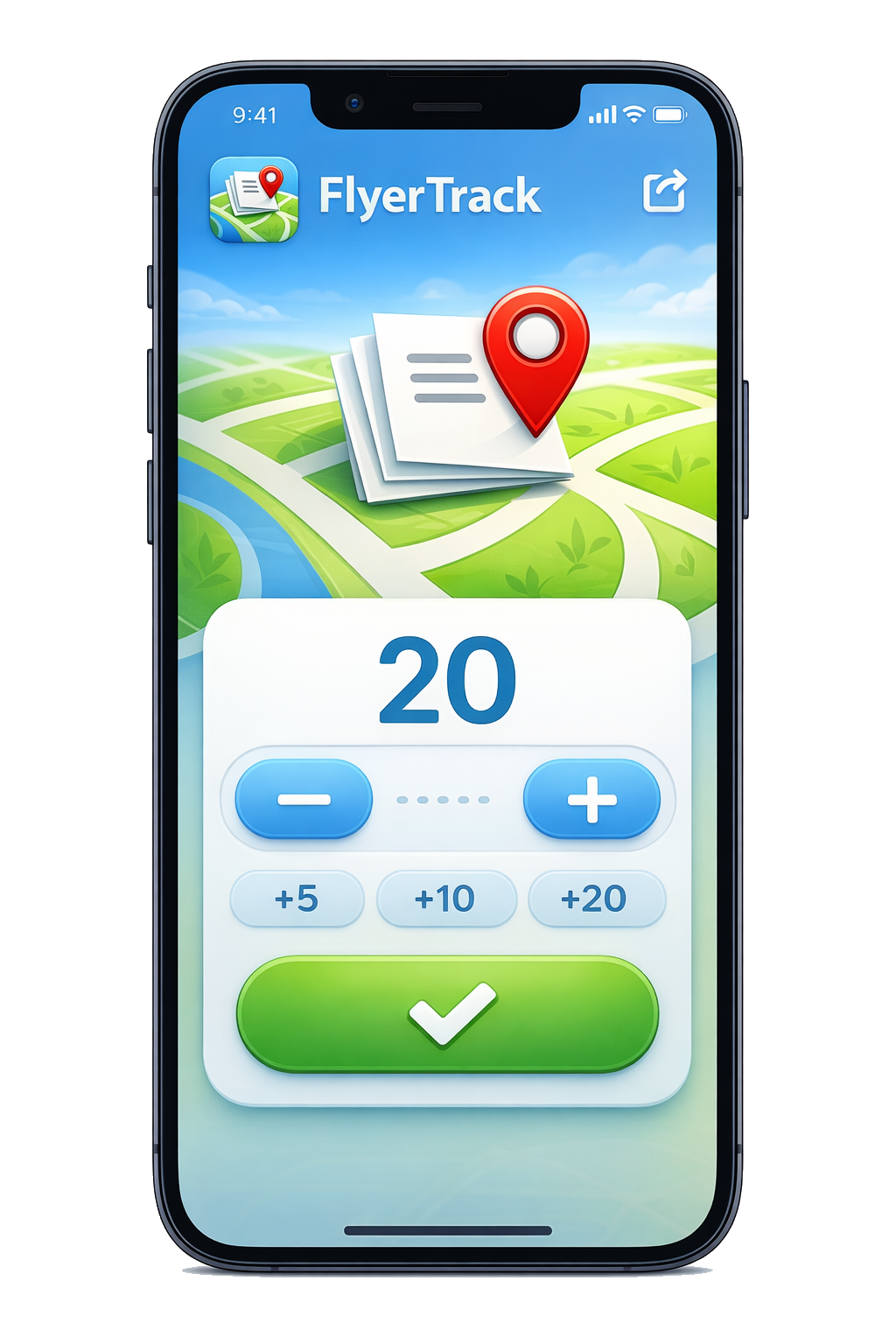
Start the route and tap +1, +5, +10 as you deliver. Every tap is stamped with position, accuracy and time, so the report shows where the flyers went, not just that someone walked.
Start the route, walk your area, end the shift. No tapping needed. The GPS track alone is the record: length, duration and the exact streets walked, ready to export as PDF or GPX.
Hand your client a PDF with the map, or a GPX file they can open in OpenStreetMap or Google Maps themselves. The walked route speaks for itself, no screenshots and no trust required.
Simple counter on top, full route history and exports underneath. No forms to fill during delivery.
Add drops by quantity with +1, +5, +10, +20 presets. Your hands stay free for the flyers.
Start a route and FlyerTrack records your GPS breadcrumbs in the background, with sensible warnings for long or idle sessions.
All data lives locally in SQLite. Patchy signal or no signal at all — nothing is lost.
PDF reports with maps and stats, CSV for your spreadsheets, Excel for your accounting. Ideal for manual handoff or archive workflows.
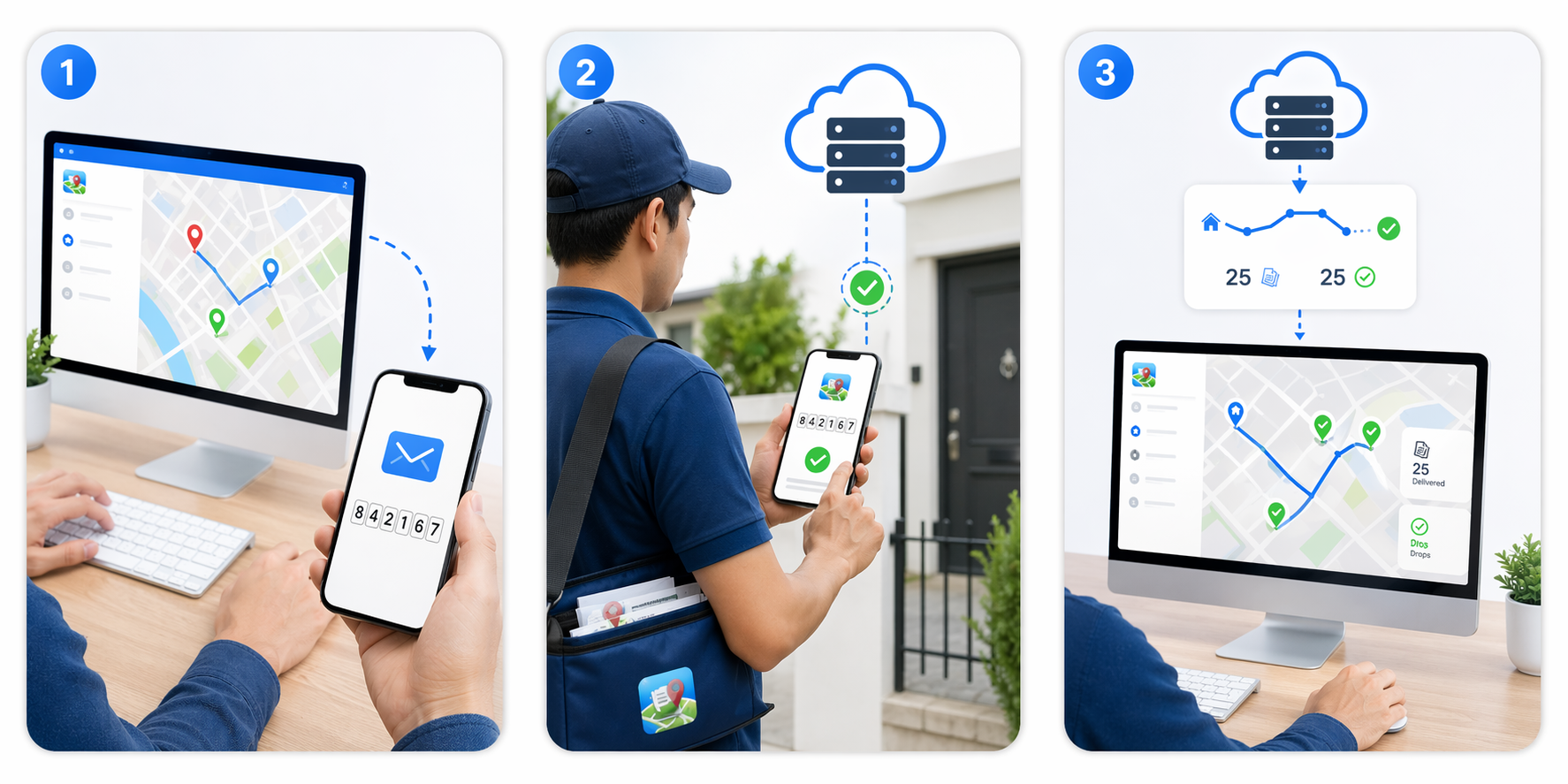
Connect with a registration code to receive routes from your dispatcher and automatically transmit route data back to the dispatcher dashboard. The offline flow keeps working either way.
Invite a walker by email and they get store links and a QR code. They install the app, scan it, and are connected — no code to read out over the phone. Typing it in by hand still works if the camera will not play along.
Stadia Maps tiles for crisp route visualisation in-app and in PDF exports, with a local fallback when you are offline.
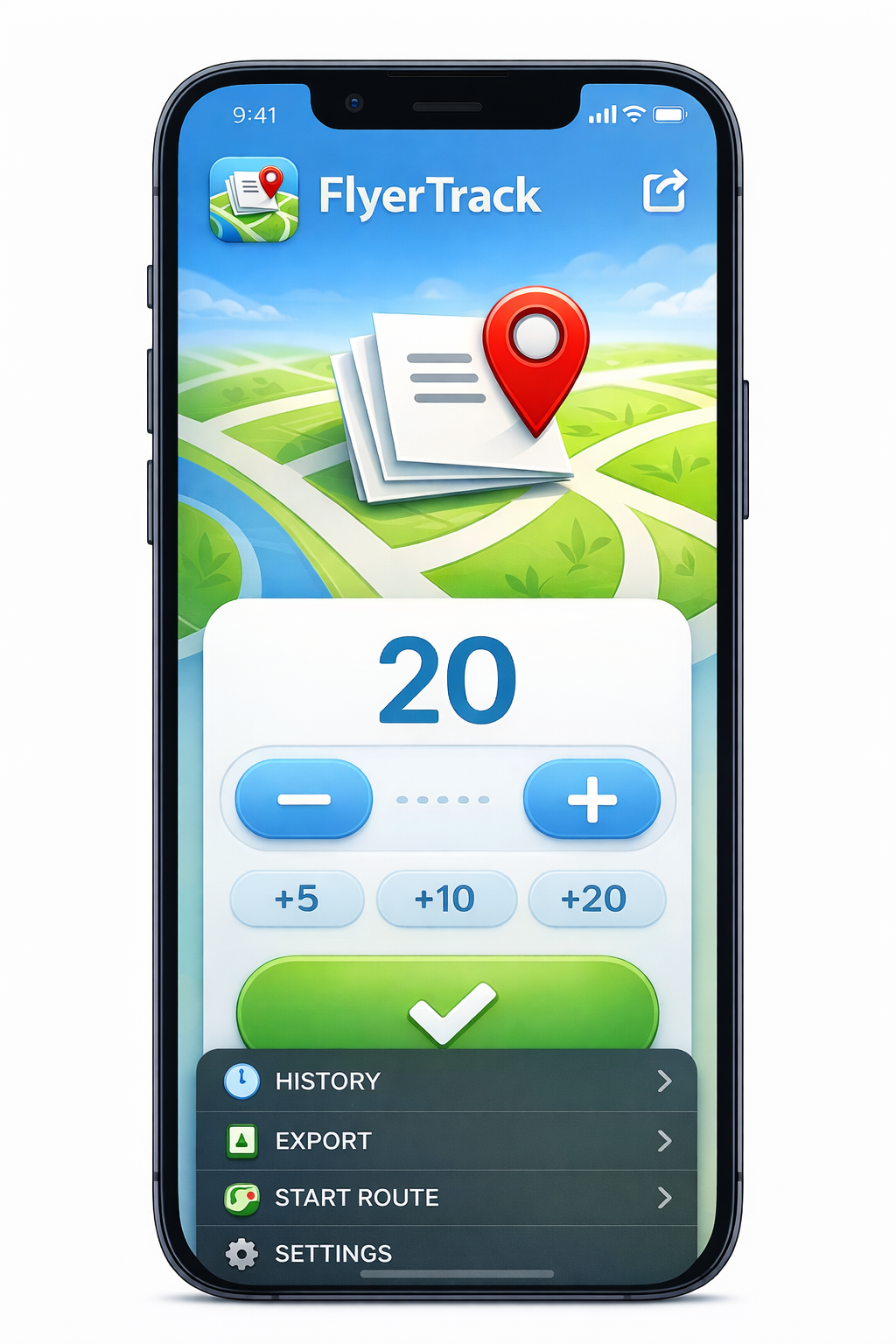
A walker records a real round: start, one tap per drop, and the proof at the end.
Pick a campaign, hit Start Route, and FlyerTrack begins logging your location automatically.
Each deployment is stamped with GPS coordinates, accuracy and time. No connectivity required. Tapping is optional: skip it and the route is still recorded as a GPS track.
Generate a PDF with a map and stats, or a CSV/Excel, or let route and drop data sync automatically into the dispatcher dashboard.
Carriers run FlyerTrack on their phones at no cost. You only pay when your team needs a dispatcher account with central carrier management and automatic route data transmission to the dashboard.
For solo carriers and tiny teams.
For small teams getting organised.
For growing operations with regular routes.
For advanced operations and integrations.
For large organisations with custom needs.
Select a plan to continue.
Register accountEvery plan includes the full dispatcher dashboard; paid plans add the Clients area, exports and room for more carriers. Additional capacity can be added to any plan at any time. Compare all features in detail →
Free to install. Dispatcher accounts start free.